HOW IT WORKS
Your next code.
Step by step.
Choose a service, add balance and manage your SMS from one dashboard.
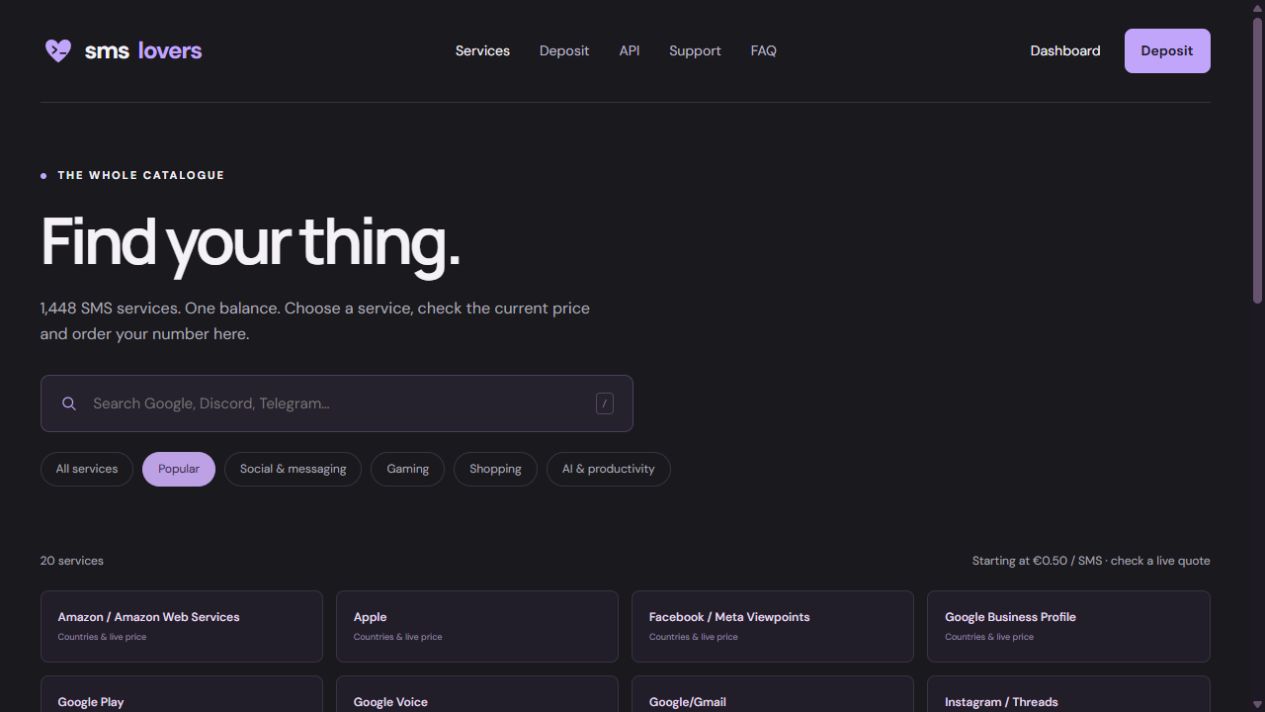
01 / FIND YOUR SERVICE
Start with your service.
Search the catalogue, choose a country and check the current price and availability.
You can check prices before signing in or adding funds.
02 / ADD BALANCEAdd balance.
Add balance.
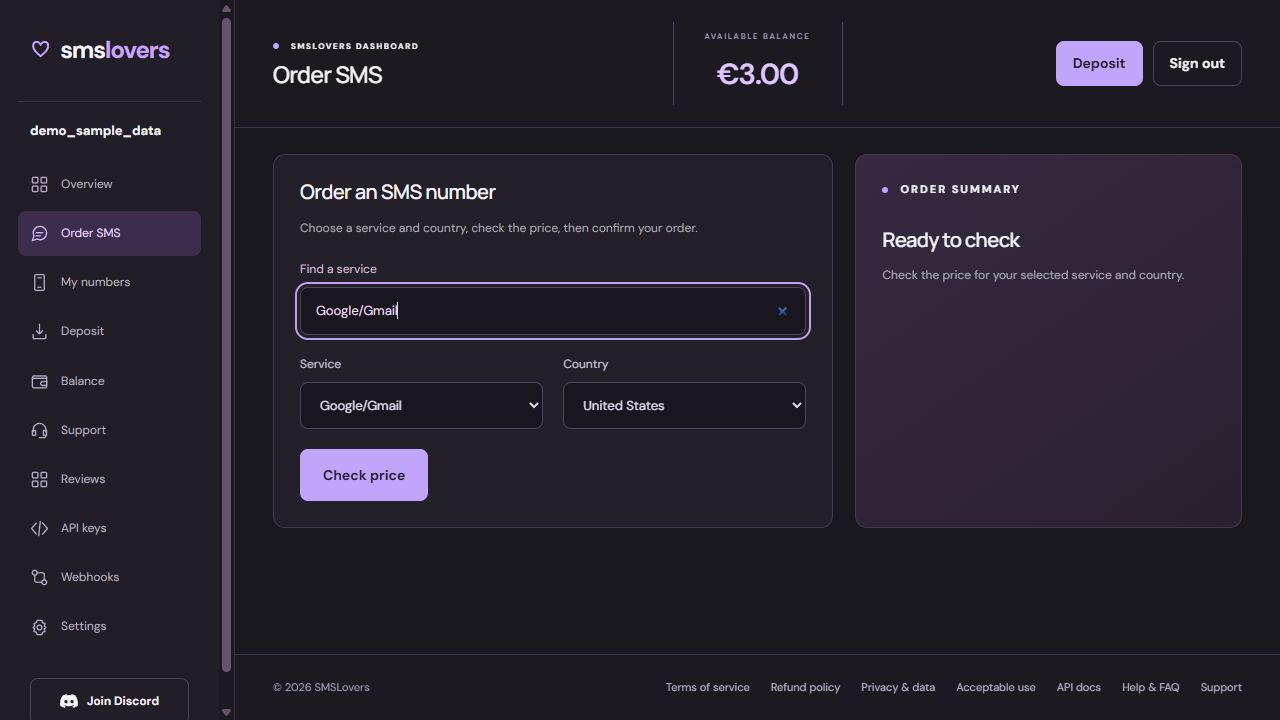
Order your number.
Sign in, add funds and confirm your order. You’ll see the price before your balance is charged.
Card / Bank deposits start at €3. Crypto deposits are converted to EUR.
03 / GET YOUR CODE
Open My numbers.
Your number, order status and incoming SMS appear in My numbers. Copy your number or code with one click.
Use Resend when it’s available. If no code arrives, cancel the unused number when the option is available. Your balance returns after cancellation is confirmed.
Refund details →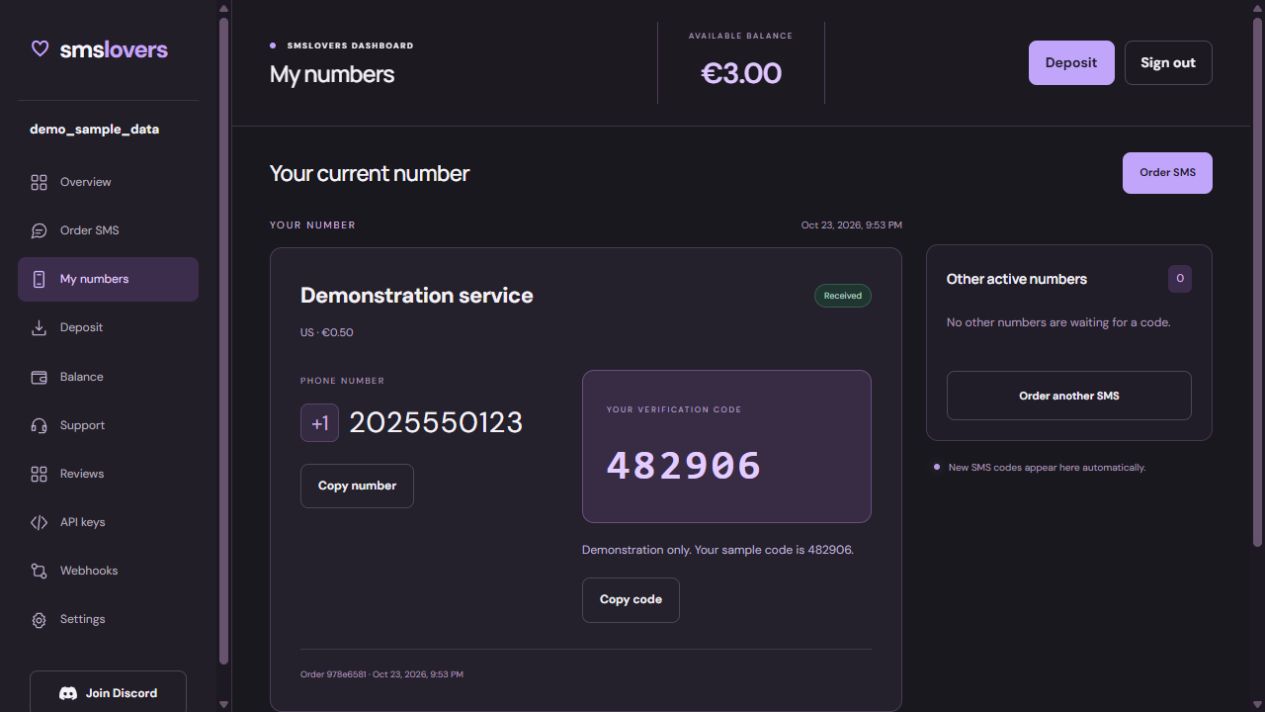
Ready for your next code?
Find a service and check availability.